Money & security
Is Open Banking Safe? How Connecting Your Bank Actually Works (UK)
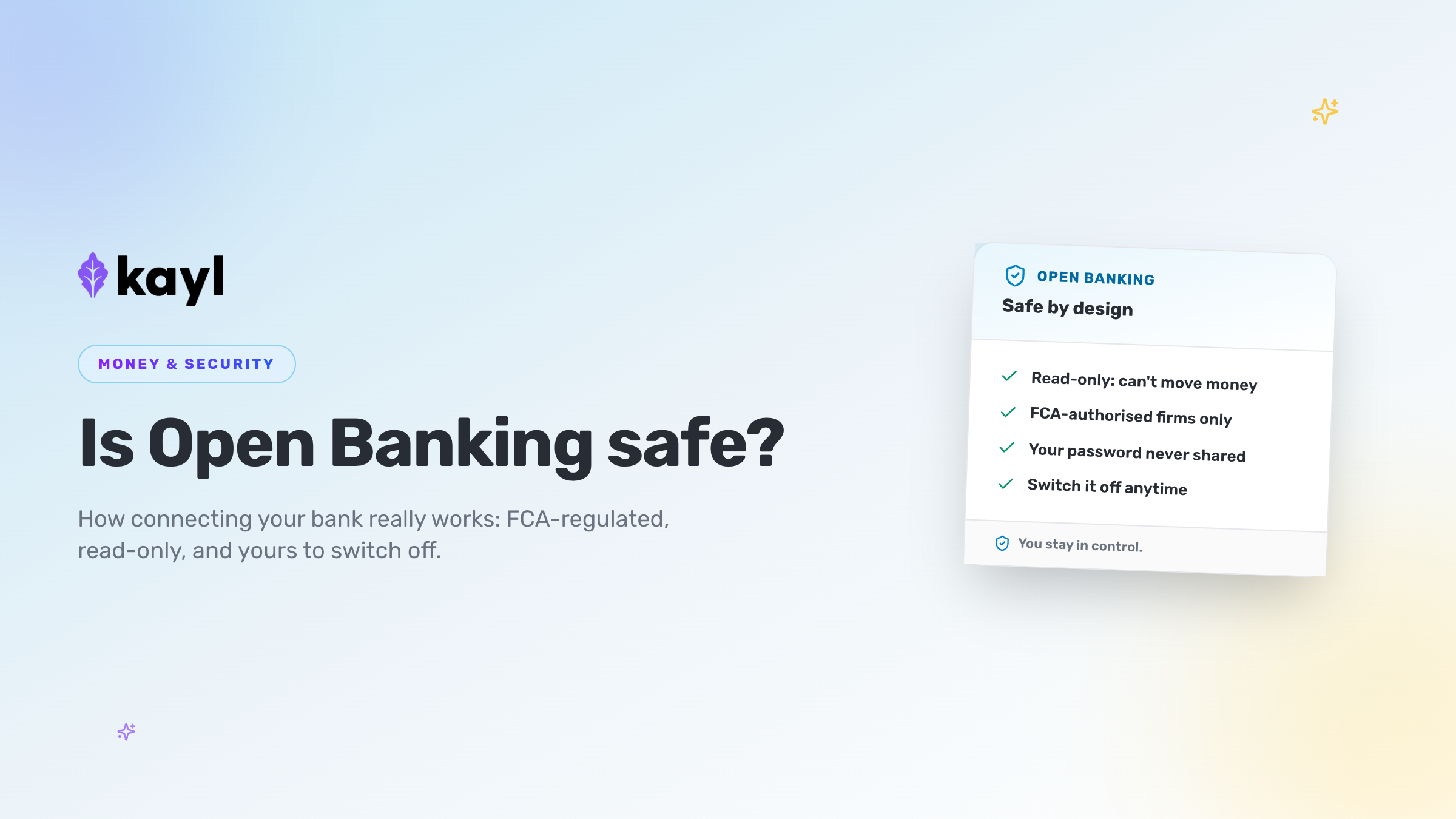
If you're worried about letting an app see your bank account — especially when money is already tight — that worry is sensible, not silly. The short, honest answer is that Open Banking in the UK is regulated, it's read-only for an app like this, and you control it. An app that connects this way can see your transactions to help you budget. It cannot log in as you, and it cannot move your money.
The short version
Open Banking is a regulated system that lets you share your bank data with an app you choose, without handing over your banking password. Only firms authorised or registered with the Financial Conduct Authority (FCA) are allowed to use it. You approve the connection on your own bank's login screen, the access for budgeting is read-only (so an app can see your spending but can't take money), and you can withdraw your consent at any time. The rest of this post explains exactly how that works, in plain terms.
What Open Banking actually is
Open Banking is a set of secure, standardised "pipes" that let your bank share your account information with another company — but only when you say so.
Before it existed, the only way to show an app your spending was to hand over your online banking username and password, or to download and upload statement files by hand. The first was risky. The second was a chore. Open Banking replaced both with a direct, consent-based connection between your bank and the service you've chosen.
It was created out of UK and European rules — the second Payment Services Directive (PSD2), written into UK law by the Payment Services Regulations 2017. Those rules forced the big banks to build secure connections that authorised third parties could use, with your permission. The technical standard those connections follow is maintained by Open Banking Limited (OBL).
There are two kinds of access, and the difference matters a lot:
- Account information — reading your balances and transactions. This is "read-only". It's what a budgeting tool uses.
- Payment initiation — setting up a payment for you to approve. This is a separate permission, and a read-only budgeting connection does not include it.
An app built to help you budget uses the first kind only. We'll come back to why that's the heart of the safety question.
Who regulates it
This is the part that should settle most nerves. Open Banking isn't a free-for-all. Any company that connects to your bank this way has to be authorised or registered with the FCA, the same regulator that oversees banks and building societies.
You don't have to take anyone's word for it, either. You can check a firm yourself in two places:
- The FCA Financial Services Register — search the company name and see whether it's authorised.
- The Open Banking regulated providers directory — a list of firms approved to use Open Banking.
If a company asking to connect to your bank isn't on either, that's a reason to stop. A genuine, regulated provider will be happy for you to check.
The FCA sets the rules the provider must follow. Open Banking Limited sets the technical standard the connection must meet. Between them, there's a named, accountable organisation behind every legitimate connection — not an anonymous app.
Why "read-only" is the part that matters
Here's the sentence worth reading twice: for a budgeting connection, the access is read-only.
That means the app can see information — your past transactions, your balances, the names of merchants you've paid. It cannot change anything in your account, and it cannot start a payment. Moving money needs that separate payment permission, which a read-only budgeting tool never asks for and never has.
So the fear a lot of people have — "what if the app drains my account?" — simply isn't how a read-only connection works. There's no door for that. The app is looking through a window at numbers that already exist. It isn't holding a key to the account.
This is also why Open Banking is safer than the old habit of sharing your login details. If you give an app your actual banking password, you've given it the power to do everything you can do. A read-only Open Banking connection gives it one narrow, specific thing: the ability to read, not act.
Your bank password is never shared with the app
When you connect, you're sent to your own bank's app or website to approve it. You log in there — on your bank's screen, with your bank's security — exactly as you normally would. The budgeting app never sees your banking password, PIN or memorable word.
This is a deliberate part of the design, and it's a useful rule of thumb for life in general: you should only ever type your banking login into your own bank's app or website. Anyone else asking for it — by email, by text, over the phone, inside another app — is a red flag. A proper Open Banking connection will never ask you for it, because it doesn't need it. It hands the login step back to your bank.
After you've logged in and approved, your bank tells the app "yes, this person said it's fine" — and shares the specific data you agreed to, nothing more.
How consent works — and how to switch it off
Consent is the whole engine of Open Banking. Nothing is shared until you agree, and what you agree to is specific: which account, what data, and for how long.
A few things worth knowing:
- It's time-limited. Access usually needs renewing — many UK banks set it to lapse after a period and ask you to confirm again. It isn't a permission that quietly runs forever.
- You can withdraw it whenever you like. You don't have to wait for it to expire.
- You can switch it off from two places — inside the app itself, or inside your own banking app, where there's usually a "connected apps", "data sharing" or "third-party access" list. Turning it off there stops the sharing.
When you revoke access, the sharing stops. If you ever want to reconnect later, you simply set up a fresh permission — it's not something you can be locked out of by the app.
The point is that this is yours to control. You're not signing something away. You're lending a view of your data, on your terms, for as long as it's useful to you.
What to check before you connect any app
Open Banking is safe by design, but it's still worth being a careful customer. Before connecting your bank to anything, a quick checklist:
- Is the provider FCA-authorised? Check the FCA register or the Open Banking directory.
- Were you sent to your own bank to log in? You should be. Never type your bank login into the app itself.
- Is it clear what data is being shared, and for how long? A good consent screen tells you plainly.
- Does the app explain what it does with your data? Read the privacy notice. Look for whether it's used only to provide the service, or also for marketing.
- Can you turn it off easily? You should be able to, from the app and from your bank.
If any of these feel murky, it's completely reasonable to pause. A trustworthy service makes all five easy to answer.
How KAYL uses Open Banking to build your SFS
KAYL uses Open Banking for one job: to help you build a Standard Financial Statement (SFS) — the standard UK format for setting out your income, spending, debts and assets that creditors and debt advisers work from.
Building an SFS by hand means gathering months of statements and sorting hundreds of transactions in a spreadsheet. That's the weekend of work we wrote about in making an SFS without a weekend of Excel. Open Banking lets the data come through directly instead, so the tool can sort and average it for you, and you finish in about 10 to 20 minutes.
Here's exactly how KAYL uses the connection, and what it doesn't do:
- The connection is through FCA-authorised Open Banking, and it's read-only. KAYL can see your transactions. It can't move money, and it never asks for payment permission.
- You log in at your own bank. KAYL never sees or stores your banking password or login details.
- You stay in control of consent. You choose to connect, and you can withdraw access at any time, from KAYL or from your own banking app.
KAYL reads your transactions to categorise and average them into the SFS, then lets you review and correct anything before you sign the PDF. You can read the full detail on our how it works page.
One honest note: KAYL is a tool for building your SFS. It is not a debt-advice service. If you want advice on your options, the free services at the end of this post are the people to speak to.
Frequently asked questions
Can an app take money from my account through Open Banking? Not through a read-only budgeting connection. That kind of access lets an app see your transactions, not move money. Moving money needs a separate payment permission, which a budgeting tool like KAYL doesn't ask for and doesn't have.
Does connecting my bank affect my credit score? Read-only Open Banking access to help you budget is a data-sharing permission, not a credit application. It isn't a loan or a credit check, so on its own it doesn't create a hard search or lower your score. (Some apps that also show you your credit report may run a "soft" search, which lenders can't see and which doesn't affect your score. If you're unsure, check the app's privacy notice.) KAYL reads your bank transactions to build your SFS — it isn't applying for credit on your behalf.
Will the app see my banking password? No. You approve the connection by logging in on your own bank's app or website. The budgeting app never sees your password, PIN or memorable word. If anything other than your own bank ever asks for your banking login, treat it as a warning sign.
How do I disconnect? Two ways. You can turn off the connection inside the app, or you can open your own banking app and remove it from the "connected apps" or "data sharing" list. The sharing stops when you do. You can reconnect later with a fresh permission if you want to.
Is it safe to do this while I'm in debt? Yes — and it can help. The connection is read-only and can't touch your money, and seeing your real numbers in one place is often the first step to a plan you can defend to a creditor. Because KAYL's essential features are free, you can build your SFS without paying.
What to do next
If connecting your bank still feels like a big step, that's okay. Take it at your own pace. The two things worth remembering are that a budgeting connection is read-only — it can't move your money — and that you can switch it off whenever you like.
- If you want to see the detail before deciding: read how KAYL works, including exactly what the connection can and can't do.
- If you're ready to try it: join the KAYL beta and build your SFS from real bank data in about 10 to 20 minutes. Essential features are free.
- If you want advice on your debts: contact StepChange, National Debtline or Citizens Advice. All free, all trusted. KAYL is a tool, not a debt-advice service — these are the people for advice.
You're allowed to be careful with your money and your data. Open Banking is built so that being careful and getting help don't have to be a trade-off.