Debt advice
How to Make a Standard Financial Statement Without a Weekend of Excel
You've booked the StepChange call. Or the Citizens Advice appointment. Or the phone call with the debt team at your bank. They've told you to "have your Standard Financial Statement ready".
You open Excel. You feel the pang.
Because a Standard Financial Statement isn't a thing you fill in — it's a thing you build. From bank statements you have to hunt down, transactions you have to categorise one by one, variable bills you have to average, and merchants you have to split (the Tesco charge was 60% food, 40% household, right?). By hour three you're not sure any of your numbers hold up. By hour six you've started making things up just to finish.
The short version
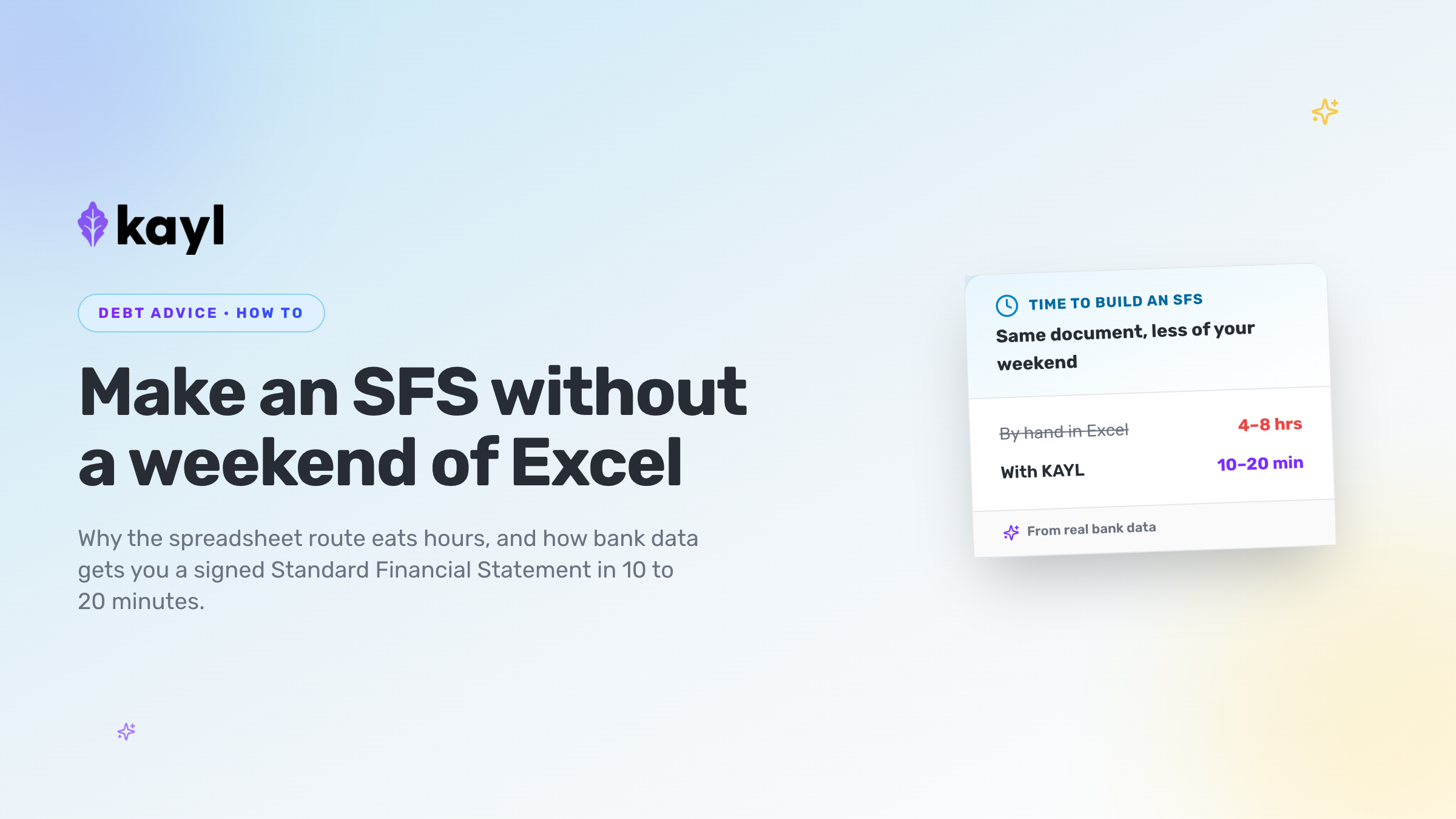
Making a Standard Financial Statement by hand means gathering three to six months of bank statements and categorising hundreds of transactions in a spreadsheet — usually four to eight hours of work. Connecting your bank through FCA-authorised Open Banking does the gathering, categorising and averaging for you, so you just review the numbers and sign a creditor-ready SFS in 10 to 20 minutes. The rest of this post explains why the manual route takes so long, why the popular shortcuts fail, and what the bank-data approach does differently.
(If you haven't hit the SFS yet and want the plain-English "what is it" version, we have a separate explainer here.)
What the SFS actually asks for
Before we get into the shortcuts, a quick reminder of what you're actually building. The SFS has five sections:
- About you. Household composition, dependants, housing status. Fifteen minutes tops.
- Income. Every source: salary, benefits, self-employment, maintenance received, pensions. Monthly averaged. Twenty minutes if you have to look up gross vs net.
- Outgoings. This is the killer. Every category of essential and discretionary spend, averaged, with justification for anything above the MAPS trigger figures. This is the section that eats the weekend.
- Debts. Everyone you owe, current balance, current monthly payment, priority vs non-priority. Ninety minutes if you have to gather statements.
- Assets. Savings, property, vehicles, investments. Half an hour.
Sections 1, 2, 4 and 5 are annoying but finite. Section 3 — the income and expenditure breakdown — done properly, takes 4-8 hours the traditional way. That's the number nobody tells you.
Why the outgoings section eats a weekend
Here's what building Section 3 actually involves if you're doing it from scratch:
Step one: gather three to six months of bank statements. This alone takes an hour if you have to log into two or three bank apps, wrestle with the "export" flow, deal with the fact that one of your banks only gives you PDFs (great, now you can't sort them in a spreadsheet), and one of them limits exports to 90 days at a time.
Step two: get every transaction into the same spreadsheet. More time formatting than you'd think — different banks use different date formats, different column orders, different descriptions of the same merchant.
Step three: categorise every transaction. This is where the real time goes. You're looking at 300–800 transactions across three months. For each, you have to decide:
- What category does this fit? (The SFS has around 50 sub-categories across essentials and discretionary.)
- Is this a one-off or recurring?
- Should this be split? (Argos might be birthday-gift + kitchen-supplies + kids-clothing — three categories in one transaction.)
- What's the merchant even called? A depressing number of transactions show up as reference codes rather than names. You have to check your banking app for the original context.
Step four: average variable bills. Energy varies month to month. Groceries vary. Phone contracts get one-off charges. You need three-month averages, six-month averages, sometimes a full-year figure for annual charges (insurance, MOT, subscriptions billed yearly).
Step five: reconcile against your gut. You'll add up your food figure and go "there's no way I spend that much on food" — and then you'll look again and realise Deliveroo and the meal-deals at Boots and Amazon Fresh all count, and yes, that's actually what you spend. Every one of these reconciliations takes a minute of "am I sure?"
Step six: format for the SFS. Because your spreadsheet doesn't have SFS categories, it has your categories. You now need to remap.
That is a conservative estimate of four solid hours of work for someone comfortable with spreadsheets. For someone who isn't — most people, honestly — it's a full weekend. And it's a weekend spent doing something that produces genuine anxiety at every step, because every transaction is a reminder of every spending decision you were half-avoiding when you made it.
This is why so many people never finish their SFS. They start, hit the categorisation wall, and abandon halfway.
The shortcuts (and why they fail)
You'd think the internet would have solved this. It's tried. Here's what people typically reach for and why it doesn't quite land:
Shortcut 1: Just estimate
Skip the bank statements, guess sensible figures. £400/month food, £150 utilities, £60 transport. Done in fifteen minutes.
Why it fails: creditors will push back. StepChange advisers will push back — nicely, but they will. If your reported figure sits significantly below the MAPS trigger figures for your household size, it looks implausible. If it sits significantly above, they'll ask for justification. Either way, you end up needing the real data.
Shortcut 2: Copy from an SFS template
Find a Standard Financial Statement template online, fill in the boxes, hope for the best.
Why it fails: same problem, different clothes. The template doesn't tell you what your figures should be — it just gives you rows to fill in. You still have to work out every number yourself.
Shortcut 3: Use your existing budgeting app's export
Emma, Monzo, Snoop — most of them can export a spending breakdown.
Why it fails: the categories don't match SFS categories. A creditor won't accept a generic "Groceries" total as an SFS food-and-housekeeping figure — the categorisation methodologies are different, so the numbers don't map cleanly. You end up doing the mapping work manually anyway, on top of building the summary.
Shortcut 4: Get an adviser to build it with you
This is the free-debt-advice model. StepChange, National Debtline and Citizens Advice will do this with you over a 60–90 minute call.
Why this is actually pretty good — but with one caveat. The call itself is 60–90 minutes, but it works enormously better if you've done the prep. If you arrive without your bank statements accessible, without a rough list of debts, without any figures at all — the adviser can only build a rough draft, and you'll spend follow-up sessions refining it. If you arrive with the prep done, the same call produces a much stronger SFS. This is what we wrote about in the StepChange prep guide.
What testers said about escaping the spreadsheet
Two of our beta testers had already been through this. Danielle had been paying off debt for three years and had built spreadsheets before:
"I am three years into paying off debt — this would be incredibly helpful for me. I love that you can add assets — it's something people talk about a lot but I never knew how to work it out." — Danielle
Sarona was in a different situation — as a stay-at-home partner, she didn't have day-to-day visibility of the household finances but wanted a proper snapshot:
"As a stay-at-home mum, I didn't have a clear snapshot of our financial situation. Seeing it in black and white was very eye-opening. I didn't think it would apply to me as much as it did." — Sarona
Neither of these are financially illiterate people. Both had tried the spreadsheet route. Both said the difference was the time the traditional approach demanded — time they couldn't reasonably free up around work and kids.
The Open Banking and auto-categorisation approach
The reason we built KAYL is that the categorisation-and-averaging problem is a computer problem, not a human problem. Computers are extremely good at:
- Pulling three months of transactions from every account you have
- Recognising merchants and mapping them to categories
- Averaging variable bills
- Flagging anything unusual for you to review
- Reformatting into the SFS categories directly
Humans should be doing what humans are good at: the judgement calls. Which category should this specific transaction sit in? Is this a household bill or a personal one? Do I want to exclude one-off medical costs from my average? Is that Tesco charge really 60/40 food and household, or was it more like 90/10?
The KAYL flow is designed around that split:
- You connect your bank via FCA-authorised Open Banking. (Read-only, no login credentials stored. If you want the detail on security, see how it works.)
- KAYL pulls your last ~90 days of transactions and categorises them against SFS categories automatically.
- You review, re-categorise anything that landed wrong, and split merchants where you want to. This is the judgement-call part.
- KAYL averages your variable bills and generates the SFS.
- You sign the PDF and download it. Ready to share with any creditor, debt adviser, or court.
Total time in the app: about 10 to 20 minutes for most people. Not 4-8 hours.
A word about accuracy
The traditional spreadsheet approach has one thing going for it: you know every number is right because you personally put every number in.
The automated approach has to work harder to earn that trust. Which is why the KAYL flow is designed so you review every categorisation before the SFS is generated. The point isn't to build it without you — it's to save you the hours of typing so you can spend ten or twenty minutes on the choices that actually matter.
The result: bank-data-backed numbers, categorised how you want them, on a signed PDF that follows the exact MAPS format. Everything creditors and advisers already accept.
Frequently asked questions
How long does it take to complete a Standard Financial Statement? By hand in a spreadsheet, the income and expenditure section alone typically takes four to eight hours once you've gathered three to six months of bank statements. Using Open Banking to pull and categorise your transactions automatically, most people finish a signed SFS in 10 to 20 minutes.
Can I create a Standard Financial Statement without a spreadsheet? Yes. You don't need Excel at all. Connecting your bank through FCA-authorised Open Banking lets the transactions be gathered, categorised and averaged for you, so you review the numbers rather than type them in.
Do I need bank statements to fill in an SFS? You need the information that's in them — your real income and spending over the last few months. You can either export and sort the statements yourself, or connect your bank via Open Banking so the data comes through automatically (read-only, with no login details stored).
Will creditors and debt advisers accept an SFS built from Open Banking data? Yes. What matters is that the statement follows the Standard Financial Statement format set by the Money and Pensions Service (MAPS) and that the figures are accurate. Bank-data-backed numbers on a signed SFS in the correct format are exactly what creditors, StepChange, National Debtline and Citizens Advice already work with.
Is it free to make a Standard Financial Statement? Yes. Free debt advice services (StepChange, National Debtline, Citizens Advice) will build one with you at no cost, and KAYL's essential features are free, so you can create and export your SFS without paying.
What to do next
- If you want help with the process end-to-end: contact StepChange, National Debtline or Citizens Advice. All free. All trusted. They'll build the SFS with you.
- If you want to do the prep yourself first: try KAYL. You'll walk into any of the services above with a document already built.
- If you want the plain-English overview of what an SFS even is: read our explainer.
Whichever route you take, the actual weekend of Excel is optional now. It doesn't have to be part of the deal.